
QR code menu and table ordering, connected to your kitchen
Guests scan the card on their table, see your menu with photos and order from their own phone. The order goes straight to the kitchen screen, with no waiter in the middle.
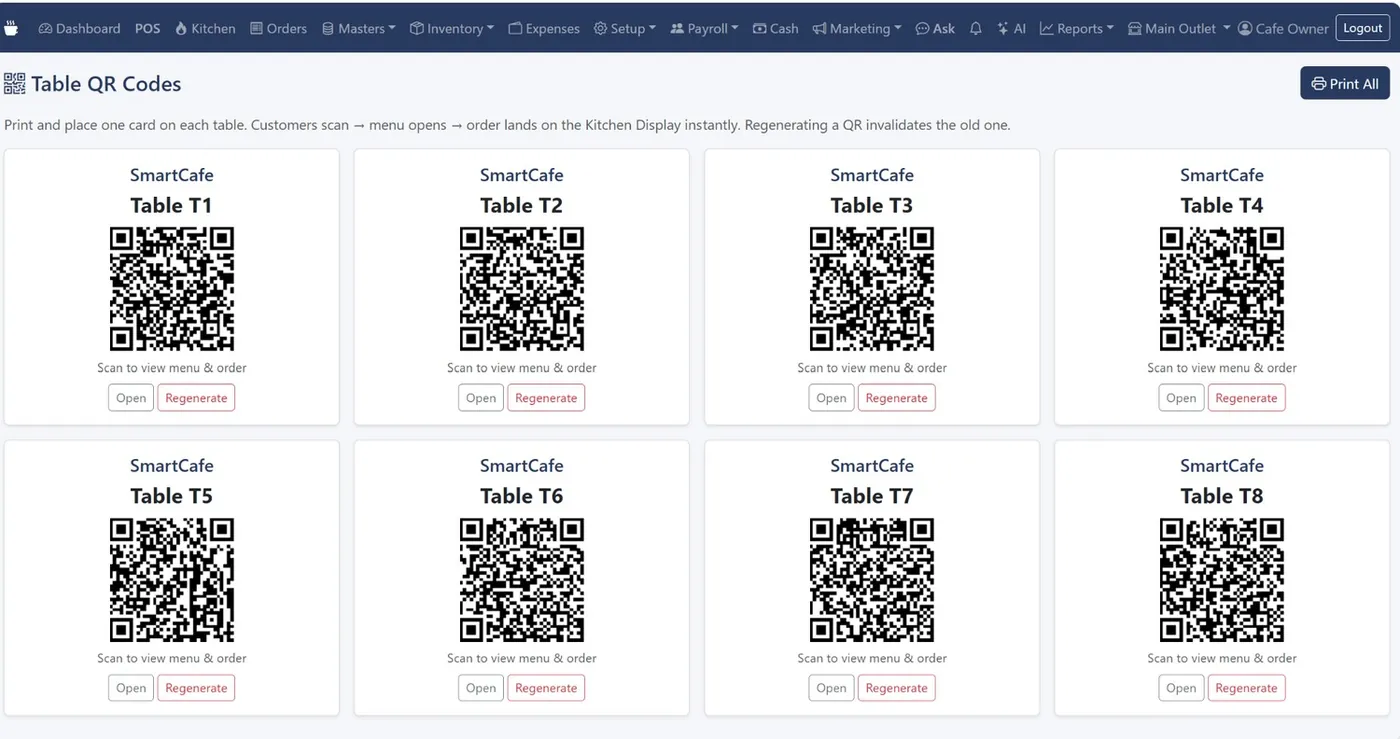
Print once, regenerate any time
Print one QR card per table from Setup. If a card is lost or misused, press Regenerate and the old code stops working immediately. Items you mark unavailable disappear from the QR menu straight away.
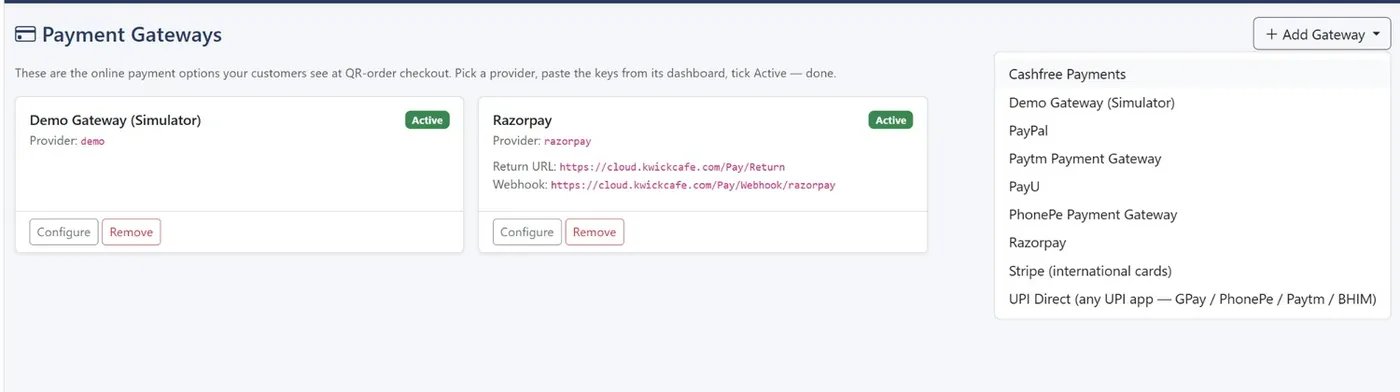
Payment into your own account
Add UPI Direct to show a UPI QR with no gateway fee, or connect Razorpay, PhonePe, Paytm, Cashfree, PayU, Stripe or PayPal. The money goes to your account, not ours.
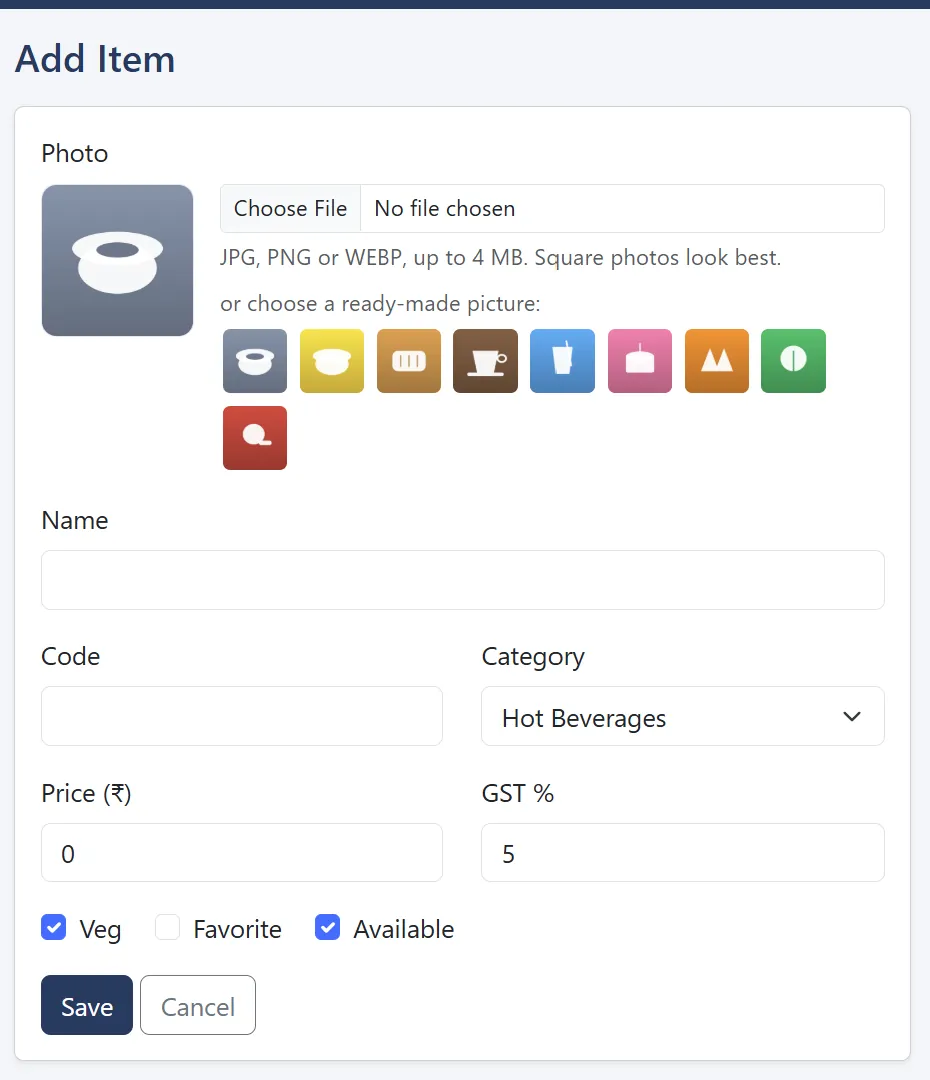
Menus that look complete from day one
Upload a JPG, PNG or WEBP photo for each item, or pick one of the built-in pictures. Green and red dots mark veg and non-veg.
Common questions
Plans start at ₹999 a month plus GST. See pricing.
Do guests need to download an app?
No. They scan the QR with their phone camera and the menu opens in the browser.
Where do QR orders go?
To the kitchen display and the Orders screen, marked as QR orders.
Can guests pay online?
Yes, through UPI Direct or any payment gateway you connect.
Related
See KwickCafe on your own menu
Tell us a little about your cafe. We'll set up a 20-minute demo with your items, your tax setup and your outlets, on a call or on WhatsApp.
- Call or WhatsApp+91 83868 78262 · Chat on WhatsApp
- Prefer to try it yourself?Start the 14-day free trial