
A kitchen display system that replaces paper KOTs
Paper tickets get lost, smudged and stuck in the wrong order. A kitchen screen shows every order the moment it's billed, in the order it should be cooked.
How the kitchen screen works
Open the Kitchen page full screen on a tablet or monitor. Each order appears as a card instantly, with no refreshing. A LIVE badge confirms the connection, and if the Wi-Fi drops it reconnects on its own.
One button moves each order on: Start cooking, Mark ready, Mark served. Colour strips show the stage, and the minutes badge goes from green to amber after 8 minutes, then red.
- 2 × Masala Chai
- 1 × Samosa (2 pc)
- 1 × Margherita Pizza
- 1 × Cold Coffee, Large
- 2 × Veg Sandwich
- 1 × Mango Smoothie
Everything the cook needs on the card
Table or order number, quantities, the size chosen, every add-on and any note the cashier typed, like less spicy or no onion. QR orders from tables arrive the same way, marked as QR.
Common questions
Plans start at ₹999 a month plus GST. See pricing.
What hardware does the kitchen display need?
Any tablet, monitor or smart TV with a modern browser, on the same network as the counter.
Does the kitchen see QR orders?
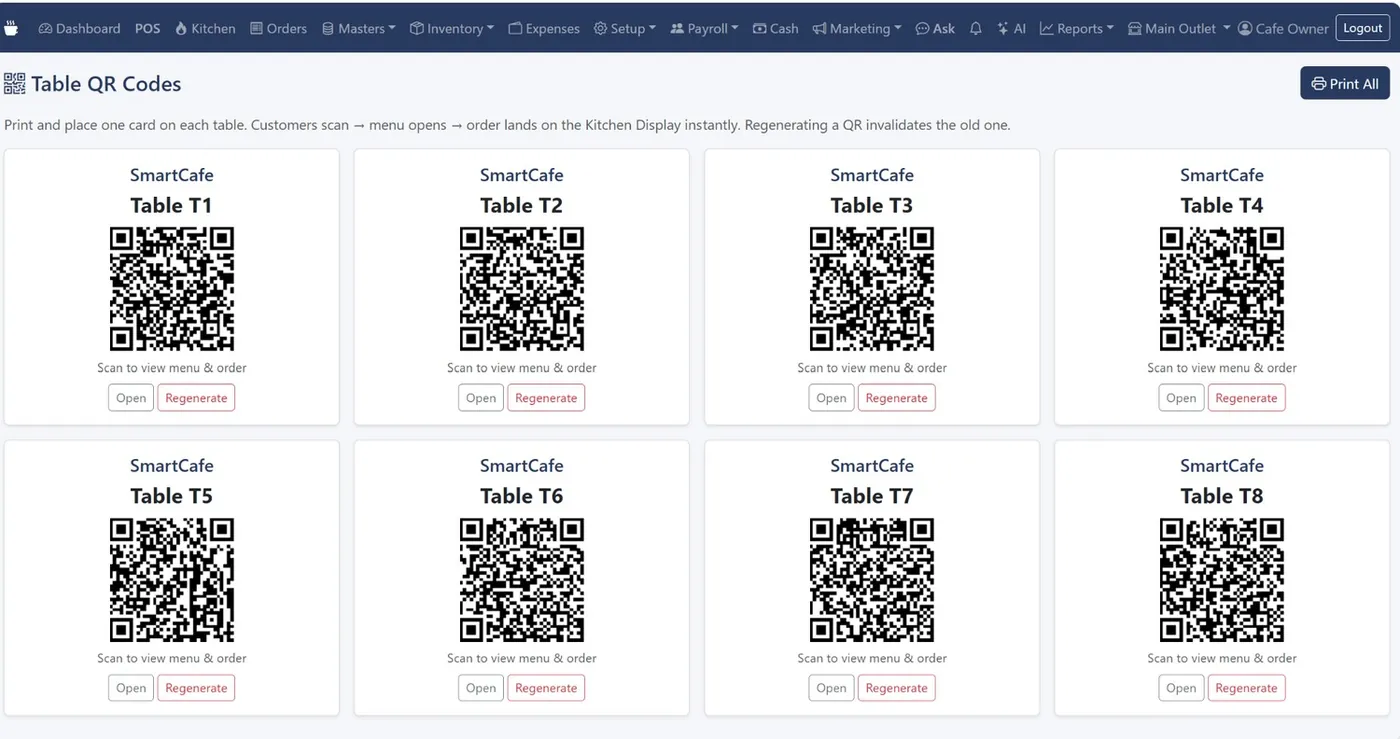
Yes. Orders placed by guests through table QR codes appear on the kitchen screen and in Orders.
Can kitchen staff see the billing?
No. Give them the Kitchen role and they see only the kitchen display.
Related
See KwickCafe on your own menu
Tell us a little about your cafe. We'll set up a 20-minute demo with your items, your tax setup and your outlets, on a call or on WhatsApp.
- Call or WhatsApp+91 83868 78262 · Chat on WhatsApp
- Prefer to try it yourself?Start the 14-day free trial